Elevating Typography with the Rose 3D Text Effect Style in Adobe Illustrator
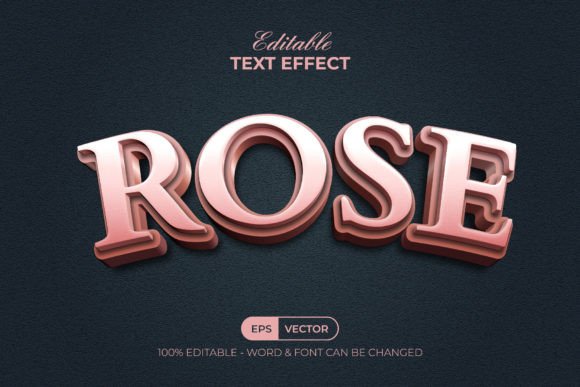
In the competitive landscape of digital design, typography has evolved far beyond simple legibility. It has become a central pillar of visual identity, capable of conveying emotion, depth, and sophistication without the need for additional imagery. Among the myriad of stylistic choices available to modern designers, the Rose 3D Text Effect Style stands out as a particularly elegant solution for projects requiring a blend of romantic aesthetics and dimensional realism. This specific design asset is not merely a font; it is a comprehensive graphic style package tailored for Adobe Illustrator, offering a streamlined workflow for creating complex, three-dimensional lettering that mimics the soft, organic curves of rose petals.
Understanding the Mechanics of Graphic Styles
For designers accustomed to manually constructing 3D text using extrusion tools, gradient meshes, or complex blending modes, the concept of a "Graphic Style" might seem deceptively simple. However, its power lies in its efficiency. The Rose 3D Text Effect Style operates within the Graphic Styles panel of Adobe Illustrator CC and above. This means the heavy lifting regarding lighting, shading, perspective, and texture has already been pre-configured by professional designers. When you apply this style, you are essentially applying a sophisticated set of appearance attributes to your vector objects.
The primary advantage here is non-destructive editing. Because the effect is tied to the style rather than being permanently rasterized or expanded, you retain full control over the underlying geometry. You can change the text content, adjust the font family, or modify the shape of the letters, and the 3D rose effect will automatically update to fit the new parameters. This dynamic relationship between the base object and the applied style is what makes such assets invaluable for high-volume workflows where consistency and speed are paramount.
Key Features and Technical Specifications
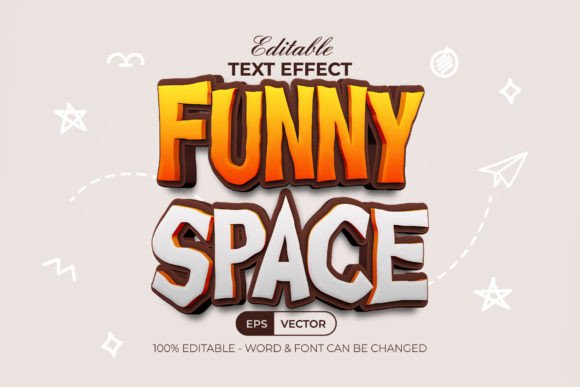
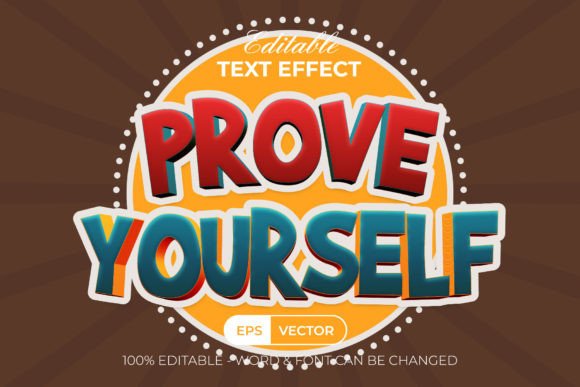
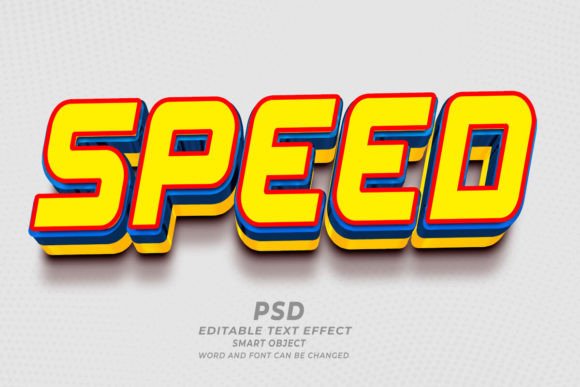
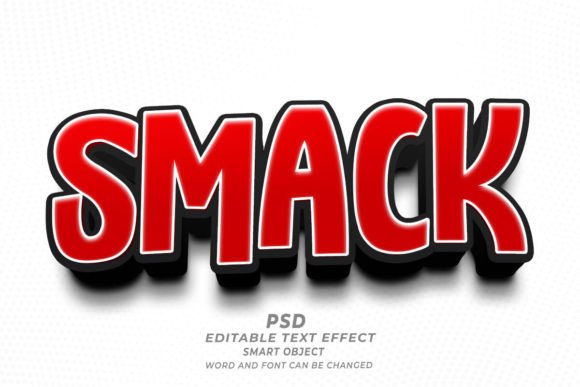
To fully leverage the potential of this tool, it is essential to understand its technical composition. The Rose 3D Text Effect Style is delivered as a curated set of files designed for immediate integration into your creative environment. The package typically includes an AI file and an EPS file, ensuring compatibility across various versions of Illustrator and other vector-based software. Additionally, a JPEG preview is provided for quick visual reference, allowing you to assess the aesthetic quality before diving into the project.
- Easy to Edit: The core promise of this asset is simplicity. Users can replace the placeholder text with their own copy or apply the effect to custom shapes, making it versatile for logos, headers, and decorative elements.
- Well-Organized Layers: A common pain point in downloaded templates is chaotic layer structures. This package prioritizes clarity, with layers logically named and grouped, facilitating easy navigation and modification.
- 100% Editable Text and Font: Unlike rasterized effects that lock you into a specific look, every aspect of the text remains editable. You can tweak kerning, leading, and character scaling without breaking the 3D illusion.
- RGB Color Mode: Optimized for digital displays, web graphics, and screen-based presentations, ensuring vibrant color reproduction.
- Free Font Usage: The design utilizes freely available fonts, removing licensing barriers and additional costs. Download links are conveniently included in the Read Me text file.
Integrating Rose Aesthetics into Modern Design Workflows
The visual language of the rose—characterized by layered petals, soft gradients, and a sense of unfolding beauty—translates remarkably well into typography. The Rose 3D Text Effect Style captures this essence by applying subtle shadows and highlights that suggest volume and softness. This makes it particularly suitable for industries and niches that rely on perceptions of luxury, care, and elegance.
Consider the wedding industry, where invitation suites, save-the-date cards, and website headers require a touch of romantic flair. Using this effect allows designers to create bespoke typographic treatments that feel hand-crafted yet perfectly uniform. Similarly, in the beauty and cosmetics sector, brands often seek packaging and advertising materials that convey gentleness and premium quality. The organic, flowing nature of the rose-inspired 3D effect aligns perfectly with these brand values, offering a visual shortcut to communicating sophistication.
Furthermore, this style is not limited to traditional print media. In the realm of social media marketing, eye-catching typography is crucial for stopping the scroll. The dimensional quality of the Rose 3D Text Effect Style adds a pop of visual interest to Instagram stories, Pinterest pins, and Facebook ads. Because the files are vector-based, they scale infinitely without loss of quality, ensuring that your text looks crisp whether it is viewed on a smartphone screen or a large-format billboard.
Practical Application and Customization Tips
While the ease of use is a significant selling point, achieving the best results requires a nuanced approach to customization. Since the effect relies on the underlying shape of the letters, the choice of typeface plays a critical role. Although the package includes free font download links, experimenting with different typefaces can yield unique outcomes. Serif fonts often enhance the classical, romantic feel of the rose effect, while bold sans-serifs can create a striking, modern contrast between the rigid letterforms and the soft, petal-like shading.
Color customization is another area where creativity can flourish. While the default settings may offer a classic red or pink rose palette, the RGB color mode allows for extensive experimentation. Designers can shift the hue to match specific brand guidelines, opting for deep burgundies for a more dramatic look, or soft pastels for a spring-themed campaign. The key is to maintain the integrity of the lighting model; drastic changes to the base colors should be accompanied by adjustments to the highlight and shadow layers to ensure the 3D illusion remains convincing.
It is also worth noting that this effect can be applied to shapes, not just text. By converting text to outlines or drawing custom vector shapes, you can apply the Rose 3D Text Effect Style to icons, monograms, or abstract symbols. This versatility expands the utility of the asset beyond typical headline usage, allowing for cohesive design systems where both text and graphical elements share the same dimensional aesthetic.
Why Choose a Pre-Made Graphic Style?
In an era where time is a scarce resource for creative professionals, the value of pre-made assets cannot be overstated. Creating a realistic 3D text effect from scratch in Adobe Illustrator is a time-intensive process. It involves mastering complex tools like the Blend Tool, Gradient Mesh, and Opacity Masks, and requires a keen eye for light and shadow. Even for experienced designers, replicating the consistent quality of the Rose 3D Text Effect Style manually could take hours per iteration.
By utilizing this graphic style, designers can reduce production time from hours to minutes. This efficiency does not come at the cost of quality; rather, it allows designers to focus on higher-level creative decisions, such as composition, layout, and overall brand strategy. Moreover, the well-organized layers and included documentation ensure that even those with intermediate skills in Illustrator can achieve professional-grade results. The inclusion of a "Read Me" text file with font download links further simplifies the onboarding process, removing potential friction points related to missing assets or licensing confusion.
Ultimately, the Rose 3D Text Effect Style represents a smart investment in a designer’s toolkit. It bridges the gap between artistic ambition and practical execution, providing a reliable, high-quality solution for adding depth and elegance to typographic projects. Whether you are designing for a bridal boutique, a luxury skincare brand, or a personal portfolio, this effect offers a distinctive visual voice that is both timeless and contemporary. As digital design continues to prioritize immersive and engaging visuals, tools that facilitate quick yet sophisticated 3D typography will remain indispensable for creators aiming to make a lasting impression.